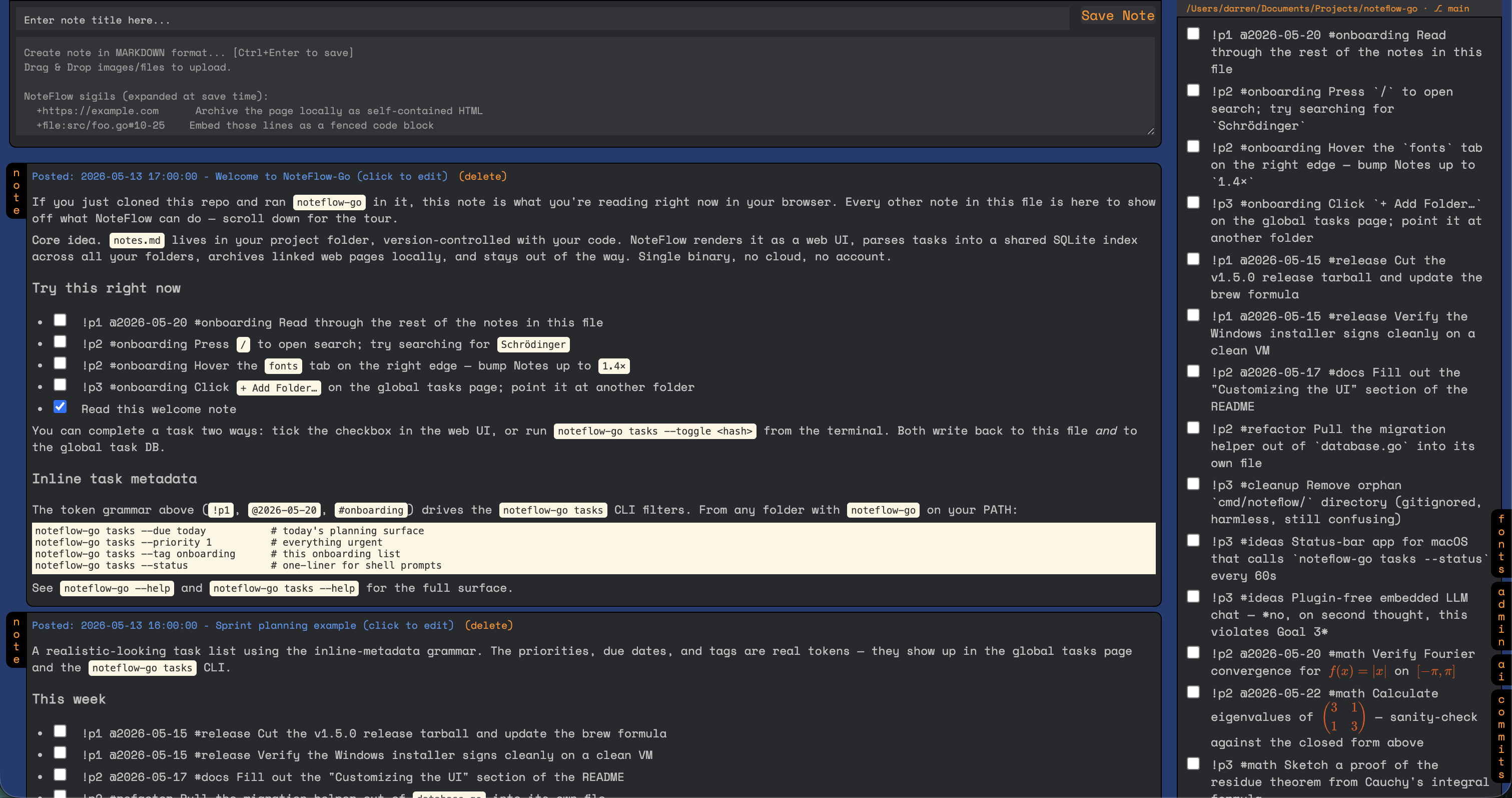
This release adds 3 notable features for engineering teams evaluating rollout.
✓ No known CVEs patched in this version
Summary
AI summarySmart Enter key preserves list context, adds a Cheat Sheet modal, and introduces a Keyboard Hints bar.
Changes in this release
| Type | Severity | Summary | CVE |
|---|---|---|---|
| Feature | Medium |
Adds Smart Enter Key behavior in note editor preserving list markers and indentation. Adds Smart Enter Key behavior in note editor preserving list markers and indentation. Source: llm_adapter@2026-05-27 Confidence: high |
— |
| Feature | Medium |
Adds Cheat Sheet Modal accessible via `?` or `Ctrl+./Cmd+.` showing syntax and shortcuts. Adds Cheat Sheet Modal accessible via `?` or `Ctrl+./Cmd+.` showing syntax and shortcuts. Source: llm_adapter@2026-05-27 Confidence: high |
— |
| Feature | Low |
Adds Keyboard Hints Bar below editor displaying quick commands like `/ search` and `? cheat sheet`. Adds Keyboard Hints Bar below editor displaying quick commands like `/ search` and `? cheat sheet`. Source: llm_adapter@2026-05-27 Confidence: high |
— |
Full changelog
New Features
Smart Enter Key in Editor
When pressing Enter in the note editor, the new line inherits the previous line's indentation and list marker:
- Unordered lists (
-,*,+): continues with the same marker at the same indent - Ordered lists (
1.): continues and auto-increments the number - Task checkboxes (
- [ ]): continues with a new unchecked checkbox - Plain indentation: preserves leading whitespace
Second Enter on empty marker removes the prefix and drops to a clean unindented line.
Cheat Sheet Modal (? key / Ctrl+.)
A full-screen overlay showing all NoteFlow syntax and shortcuts:
?from anywhere outside the editorCtrl+./Cmd+.from anywhere (including inside the editor)- Close with
?,Esc, click outside, or the × button
Covers: keyboard shortcuts, markdown formatting, lists, tasks (priorities, due dates, tags), and sigils.
Keyboard Hints Bar
A subtle low-opacity hint line below the editor textarea showing: / search, ? cheat sheet, Ctrl+Enter save. Platform-aware (shows ⌘ on Mac).
Full Changelog: https://github.com/Xafloc/NoteFlow-Go/compare/v1.7.5...v1.8.0
Weekly OSS security release digest.
The CVE patches and breaking changes that affected production tools this week. One email, every Sunday.
No spam, unsubscribe anytime.
Share this release
About Xafloc/NoteFlow-Go](https:
All releases →Beta — feedback welcome: [email protected]